



Where Recipe
Shows the recipe on a page as a clean card: ingredients, steps, times. Scale it, tick off what you have, and build a shopping list across recipes.
For Firefox on desktop and Firefox for Android.
What it does
It works from the recipe data most recipe sites already publish for search engines, so there is nothing to set up. Every card links back to the original page.
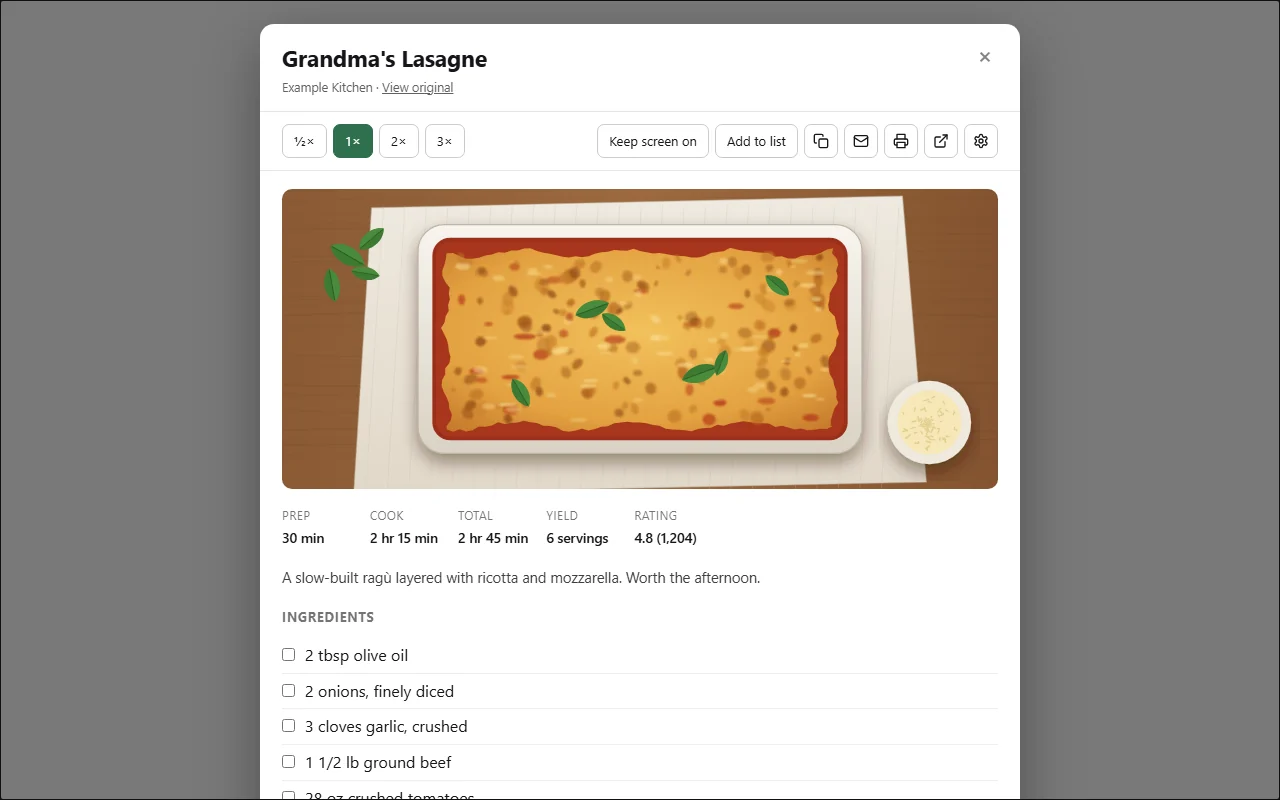
Recipe card
Ingredients, method, prep and cook times, and yield, over the page.
Scaling
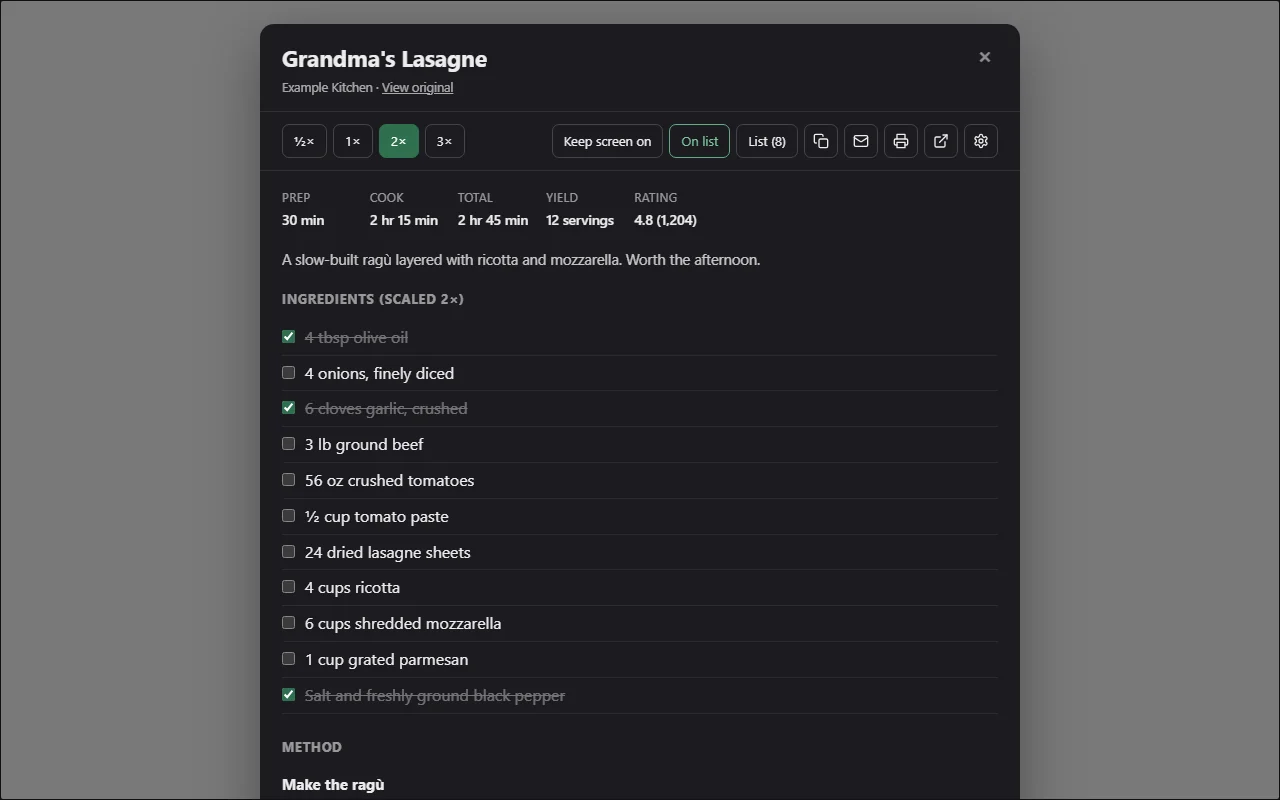
Scale to ½×, 1×, 2× or 3×.
Ingredient ticks
Tick off ingredients as you go.
Keep screen on
Keep the screen on while you cook.
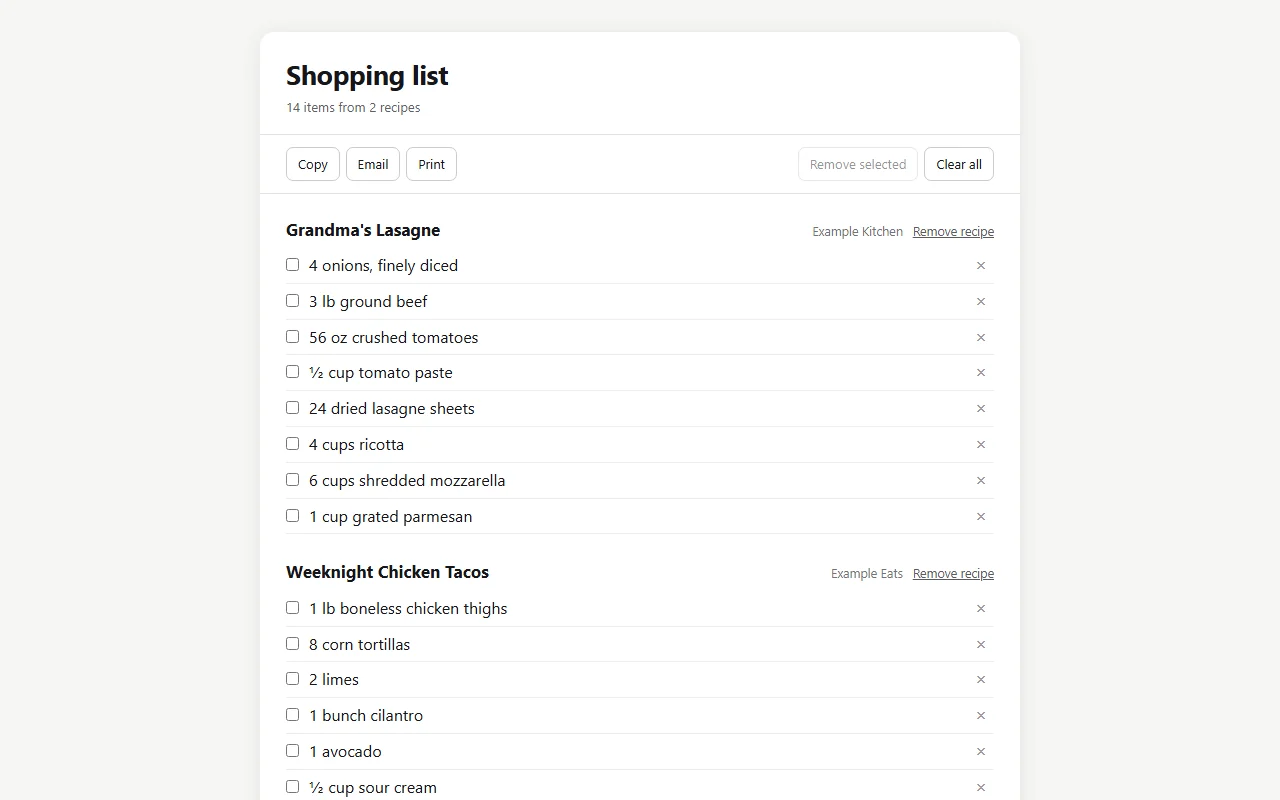
Shopping list
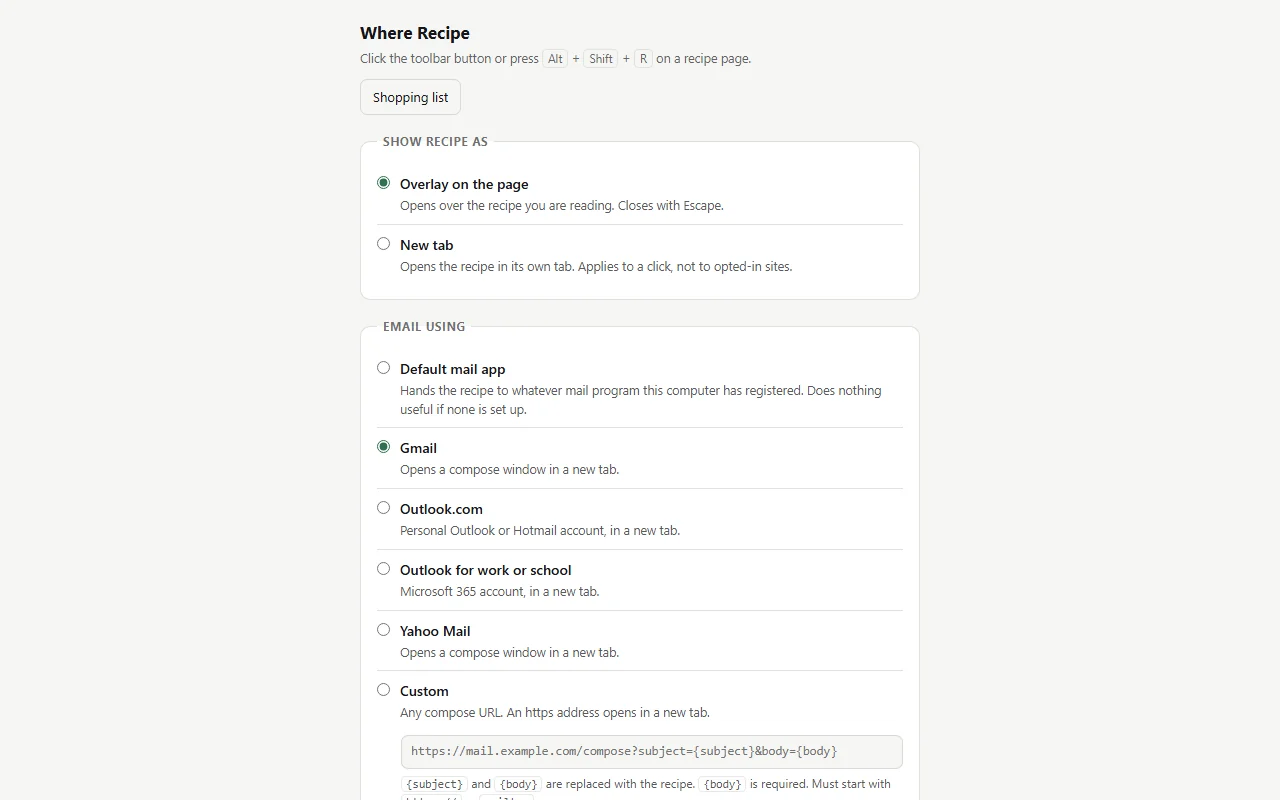
Add ingredients from several recipes to one list, then copy, email or print it.
Copy, email or print
Copy, email or print the recipe, or open it in its own tab.
How it runs
Click the toolbar button or press Alt+Shift+R. Nothing runs until you do.
On Android, open the browser menu, then Extensions, then Where Recipe.
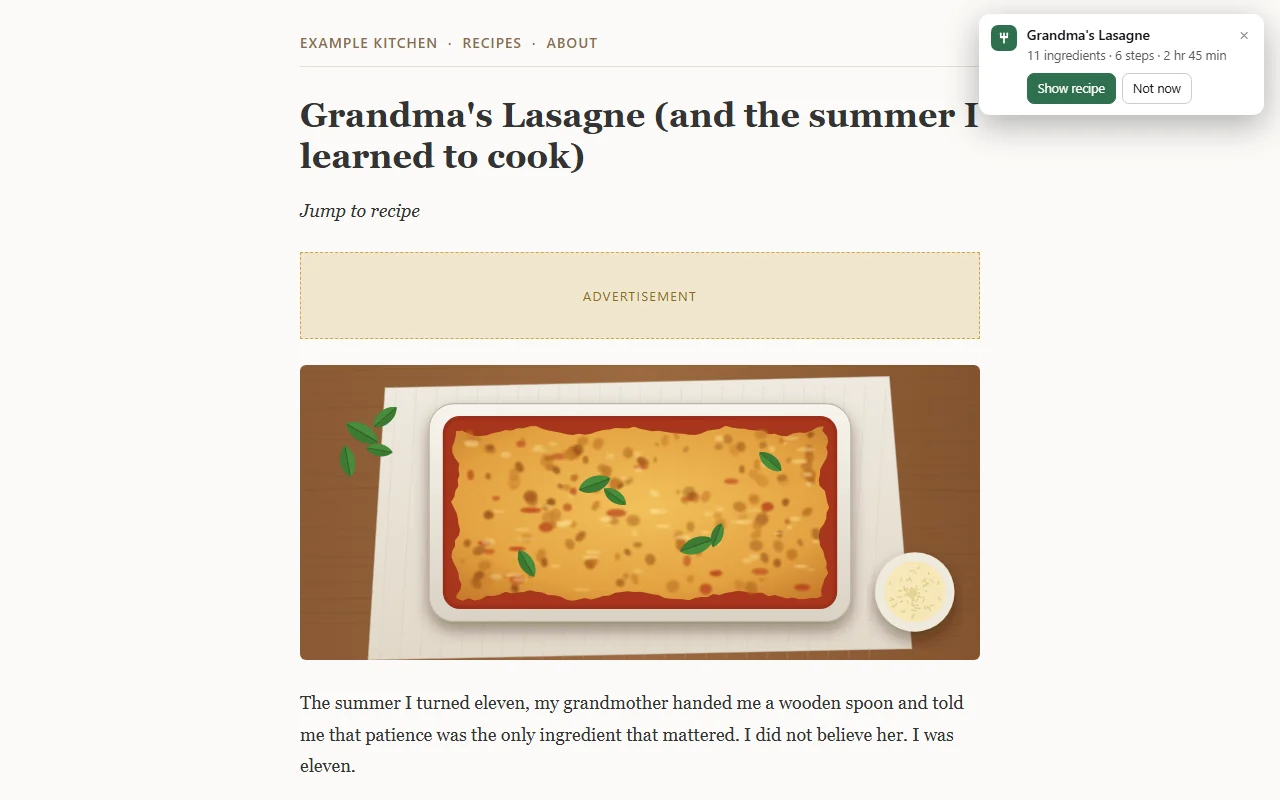
Optionally, opt a site in to show its recipes automatically, as a small notice or the full card. Firefox asks for access to that one site when you opt in.
Some sites publish only part of a recipe as data. The card says so and links to the page.
Privacy
No server, no analytics, no account. The extension makes no network requests of its own.
Settings and the shopping list stay in your browser.
Nothing is saved from private windows.
Screenshots
Support
Email support@salterdiazsolutions.com, or report a problem on the issue tracker.